Cashback Not Credited? The Complete India Troubleshooting Checklist
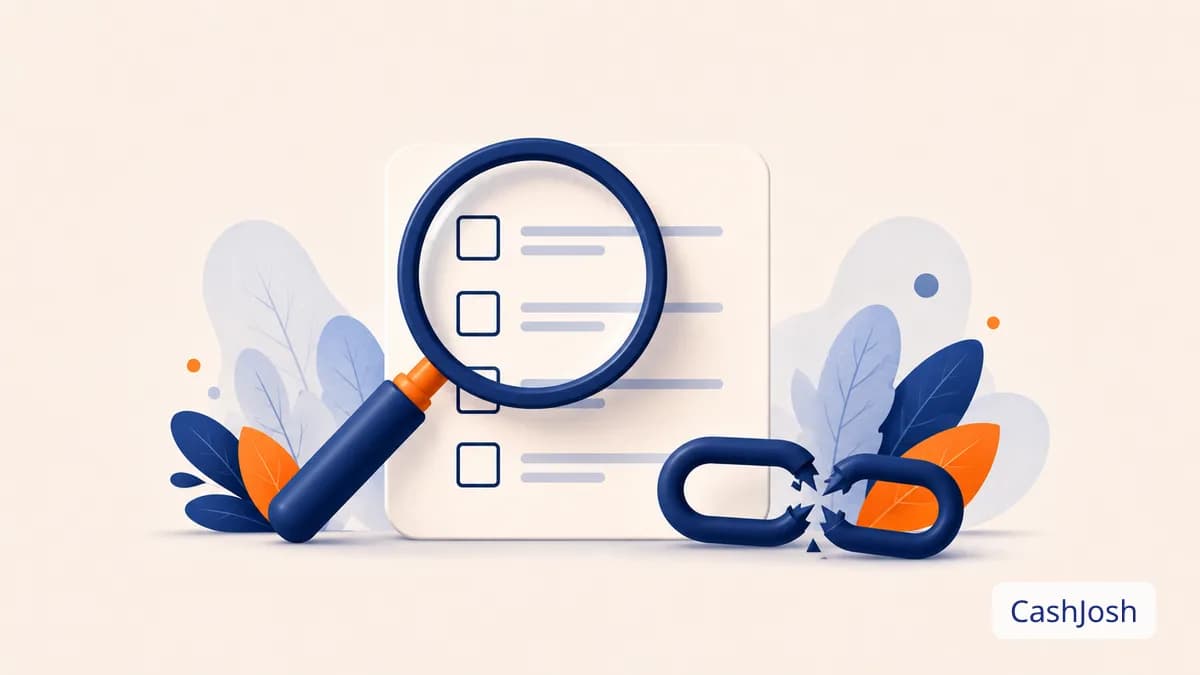
Your order doesn't show as Pending, or it should've confirmed by now and hasn't. Here's exactly what to check, in order, before you file a claim.
Before anything else: figure out whether your cashback is missing (never appeared at all) or just Pending (it's there, it's just waiting on the store's return window). These need different fixes. See our breakdown of what Pending vs Confirmed actually means if you're not sure which one you're dealing with. This guide is for the "it never showed up at all" case.
Step 1: Check your wallet's Cashback tab first
Open your Wallet and look at the Cashback tab, not just the headline balance, an order can be sitting there as Pending without showing in your total withdrawable balance, which is expected, not a bug. If you see nothing for an order you placed, move to Step 2.
Step 2: Did you start the order from "Shop & Earn"?
This is the cause behind most missing cashback. Tracking only works if the entire path. Click, browsing, checkout, happens in one unbroken session starting from the "Shop & Earn" link. Common ways that breaks:
- Closing the tab and reopening the store from a bookmark, Google, or the store's app icon before checking out.
- Switching from mobile browser to the store's app mid-session on a store where tracking hands off differently between the two.
- Clicking through a different coupon or cashback site afterward to grab one more code. This re-tags the click with a different tracking ID, and only the last one before checkout usually gets credited.
- Reusing an old CashJosh tab from a previous session instead of clicking "Shop & Earn" fresh.
If any of these happened, that's very likely the answer, for next time, start fresh from CashJosh and complete checkout in the same session, every time.
Step 3: Was an ad blocker or privacy extension running?
Ad blockers, tracking-protection browser extensions, and some "cookie auto-delete" tools can strip the tracking parameters attached to your click before they reach the store's checkout, invisibly, with no error message. If you use one of these regularly, try disabling it for the specific store's domain before you click through next time, and see if the issue recurs.
Step 4: Did you apply a coupon code from outside CashJosh?
Coupon codes sourced from CashJosh generally stack fine with cashback. A code pulled from a different coupon site, a browser extension that auto-applies codes at checkout, or a forum post can sometimes override the tracking that was already in place. Some stores treat that as attribution going to wherever the code came from instead.
Step 5: Was the order cancelled, returned, or paid differently than expected?
Cashback tracks against a completed, kept order. If you cancelled, fully returned it, or the store cancelled it on their end (out of stock, payment failure), no cashback will show. This isn't a tracking failure, it's working as intended.
Step 6: Give it 24–48 hours before assuming it's missing
Most stores report sales back to us within a day or two, not instantly. An order placed a few hours ago that hasn't shown as Pending yet usually just hasn't been reported back yet. This isn't cause for concern on its own.
Still nothing after 48 hours? File a Missing Cashback Claim
If you've gone through Steps 2–5 and you're confident you started from CashJosh, in one session, with no outside coupon, and it's been at least a day or two:
- Open your Wallet → Claims tab.
- Submit a claim with your order ID, order date, and order amount, have these ready from your store account or order confirmation email, since they're what we use to trace the order with the store.
- We investigate directly with the store: this can take a few weeks, since it depends on the store's own confirmation process, not something we can speed up on our end.
- If the claim is approved, cashback is credited to your wallet the same way a normally-tracked order would be.
One claim per missing order, duplicate claims for the same order don't process any faster and can slow down the queue for everyone.
Prevent it next time
The whole checklist above boils down to one habit: always click "Shop & Earn" first, complete checkout in that same tab/session, and skip other coupon sites for that purchase. Do that consistently and you'll rarely need this guide again.
For the full mechanics of how cashback tracking works end to end, see our plain-English guide to how cashback works. Or jump straight to all partner stores / today's active coupons and deals to start your next order the right way.
Start earning cashback today
Join CashJosh free and get a welcome bonus in your wallet.
Browse Stores →Related Articles
How Does Cashback Work in India? A Plain-English Guide (2026)
What cashback actually is, how the tracking works behind the scenes, why it sits Pending, how long the wait really is by category, and how to make sure yours lands in your wallet.
Pending vs Confirmed Cashback: What the Status Means and How Long Each Takes
Your cashback isn't stuck. It's following the store's own return-window timeline. Here's what Pending and Confirmed actually mean, and real confirmation windows by category.
Cashback vs Coupon Codes: Which Actually Saves You More Money?
They are not competing discounts. They are separate layers of saving that stack, calculated at different points and funded by different parties. How each one works, a worked example of the full stack, and the rare cases where you actually have to choose.